视频模型 · 免费 · 无需注册
Sora
提示词生成器。
Sora 提示词读起来就像剧本里的一段镜头描述:先用文字交代场景,然后是摄影设定——景别、运镜、焦段、光线和情绪——最后是动作和台词。
生成器会按这个顺序排列你的选择,让你做静帧用的同一套设置,直接变成一份能开拍的拍摄说明。
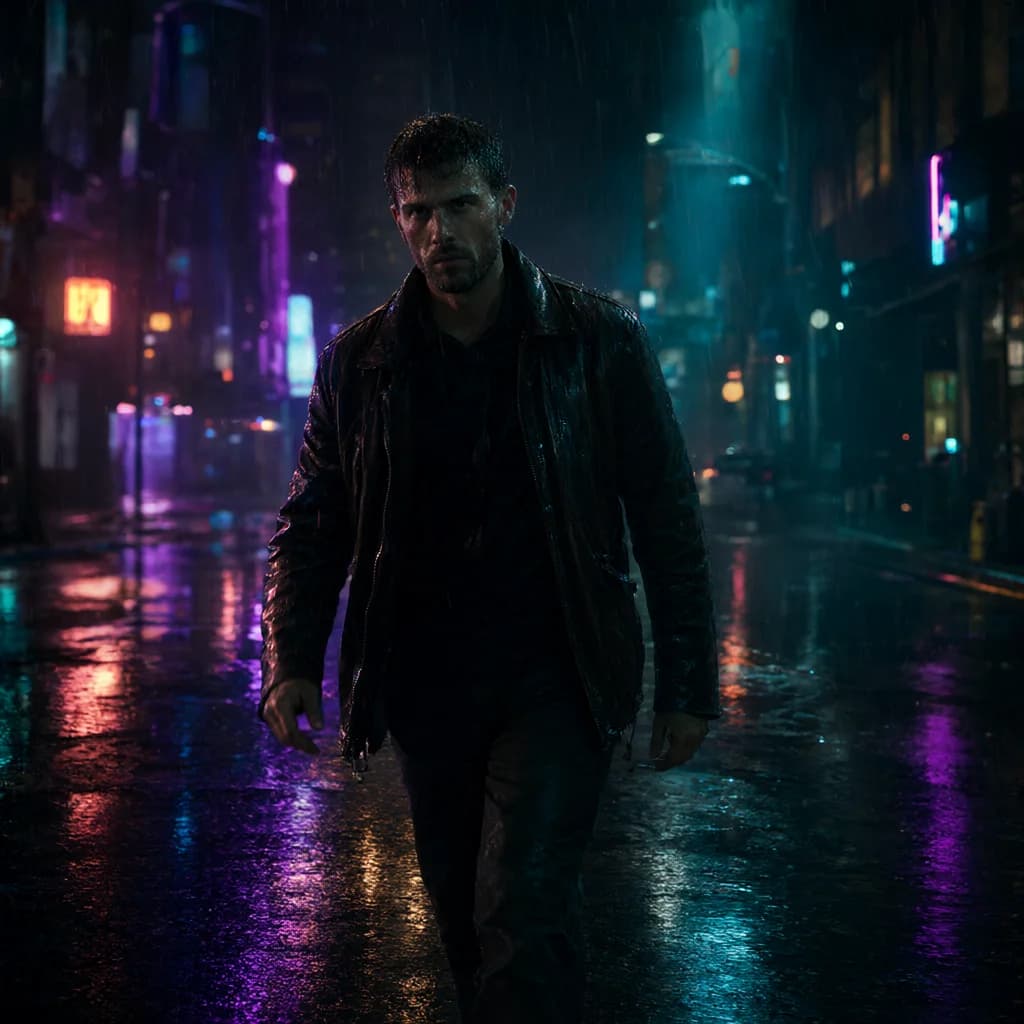
示例输出霓虹街头漫步
Horizontal 16:9 cinematic video. An original fictional adult man in his 30s on a city street at night, rainy, wet reflections. He wears a leather jacket outfit.
Actions:
- He walks toward the camera through the rain, hands in his jacket pockets and water dripping from his hair, slows as a neon sign flickers beside him.
- Then glances back over his shoulder.
- Throughout: natural blinking and breathing, rain falling steadily, background lights glowing and flickering softly.
Cinematography:
Camera: tracking shot following the subject, waist-up medium framing, 35mm lens
Lighting: Neon colored lighting, mixed warm and cool.
Mood: mysterious, edgy
Look: Photorealistic, cyberpunk, teal and orange cinematic grade, teal, neon purple and black palette, natural real-time pacing.
Background sound: Rain on pavement, distant traffic, a low neon hum.
Avoid: CGI, 3D render, illustration, anime, plastic skin, over-smoothed face, text, captions, watermarks, logos, UI overlays, extra fingers, deformed hands, distorted anatomy, heavy studio lighting, jittery motion, morphing, frame flicker, sudden cuts, warped face.
163 个词aspect_ratio: 16:9duration: 5 seconds
如何写出更好的 Sora 提示词。
01
一条提示词一个镜头
描述一个连续的镜头。一条提示词里塞多个场景,往往会糊在一起。
02
把动作拆成节拍
把动作写成简短的步骤;生成器会把每句话变成 Actions 区块里的一条要点。
03
风格保持统一
只选一种类型、一种调色,让片段的画面风格统一连贯。
Sora 示例。
全部示例 →
Sora 常见问题。
Sora 的负面提示词写在哪?+–
Sora 没有单独的负面栏,所以生成器会在末尾追加一行简短的“Avoid:”。
能设置时长吗?+–
可以,在“运动 › 时长”里选择;它会作为单独的参数列出。