動画モデル · 無料 · 登録不要
Sora
プロンプト生成。
Sora のプロンプトは、脚本の短いショット説明のように読めるのが理想です。まずシーンを文章で、次に撮影――ショットの種類、カメラの動き、レンズ、ライティング、ムード――、最後に動きとセリフ。
ジェネレーターは選択内容をこの順に並べるので、静止画用の設定がそのまま撮影できる指示書になります。
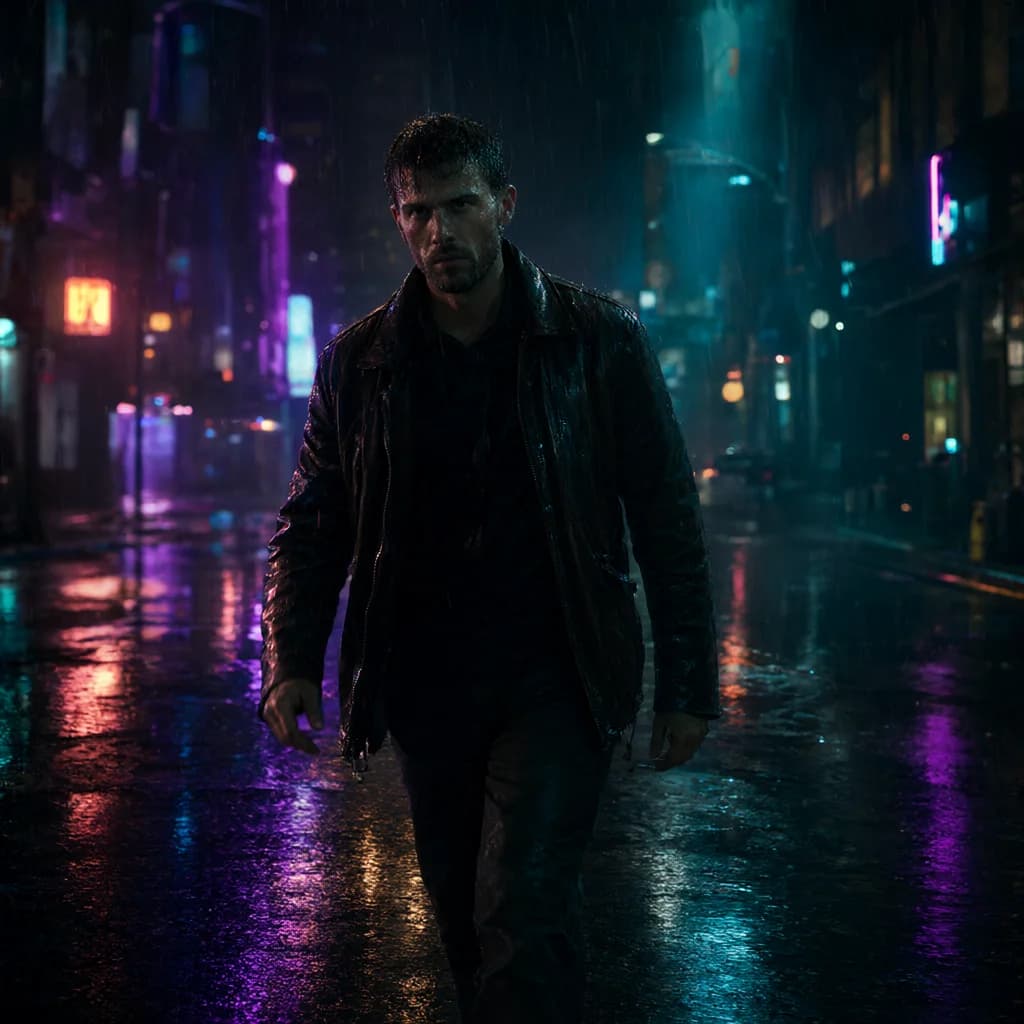
出力例ネオン街を歩く
Horizontal 16:9 cinematic video. An original fictional adult man in his 30s on a city street at night, rainy, wet reflections. He wears a leather jacket outfit.
Actions:
- He walks toward the camera through the rain, hands in his jacket pockets and water dripping from his hair, slows as a neon sign flickers beside him.
- Then glances back over his shoulder.
- Throughout: natural blinking and breathing, rain falling steadily, background lights glowing and flickering softly.
Cinematography:
Camera: tracking shot following the subject, waist-up medium framing, 35mm lens
Lighting: Neon colored lighting, mixed warm and cool.
Mood: mysterious, edgy
Look: Photorealistic, cyberpunk, teal and orange cinematic grade, teal, neon purple and black palette, natural real-time pacing.
Background sound: Rain on pavement, distant traffic, a low neon hum.
Avoid: CGI, 3D render, illustration, anime, plastic skin, over-smoothed face, text, captions, watermarks, logos, UI overlays, extra fingers, deformed hands, distorted anatomy, heavy studio lighting, jittery motion, morphing, frame flicker, sudden cuts, warped face.
163語aspect_ratio: 16:9duration: 5 seconds
Soraのプロンプトを上達させるコツ。
01
1プロンプトに1ショット
ひと続きのショットを1つだけ描写しましょう。複数のシーンを1つのプロンプトに入れると、混ざり合いがちです。
02
動きをビートに分ける
動作を短いステップで書きましょう。ジェネレーターが各文を Actions ブロックの箇条書きに変換します。
03
スタイルを統一する
ジャンルとカラーグレードを1つずつ選ぶと、クリップ全体のルックがまとまります。
Soraの作例。
すべての作例 →
Soraのよくある質問。
Sora ではネガティブはどこに入りますか?+–
Sora には独立したネガティブ欄がないため、ジェネレーターが末尾に短い「Avoid:」行を追加します。
尺は指定できますか?+–
はい。「動き › 尺」で選ぶと、別パラメータとして記載されます。