画像モデル · 無料 · 登録不要
Flux
プロンプト生成。
FLUX モデルは自然言語を読み取り、詳細な描写に忠実に従いますが、ネガティブプロンプトには対応していません。避けたいものは肯定形で表現する必要があります。
ジェネレーターは選択内容から流れるような描写を書き、よくあるネガティブを肯定文に変換します。たとえば「no CGI」ではなく「an authentic photograph, not a render」のように。
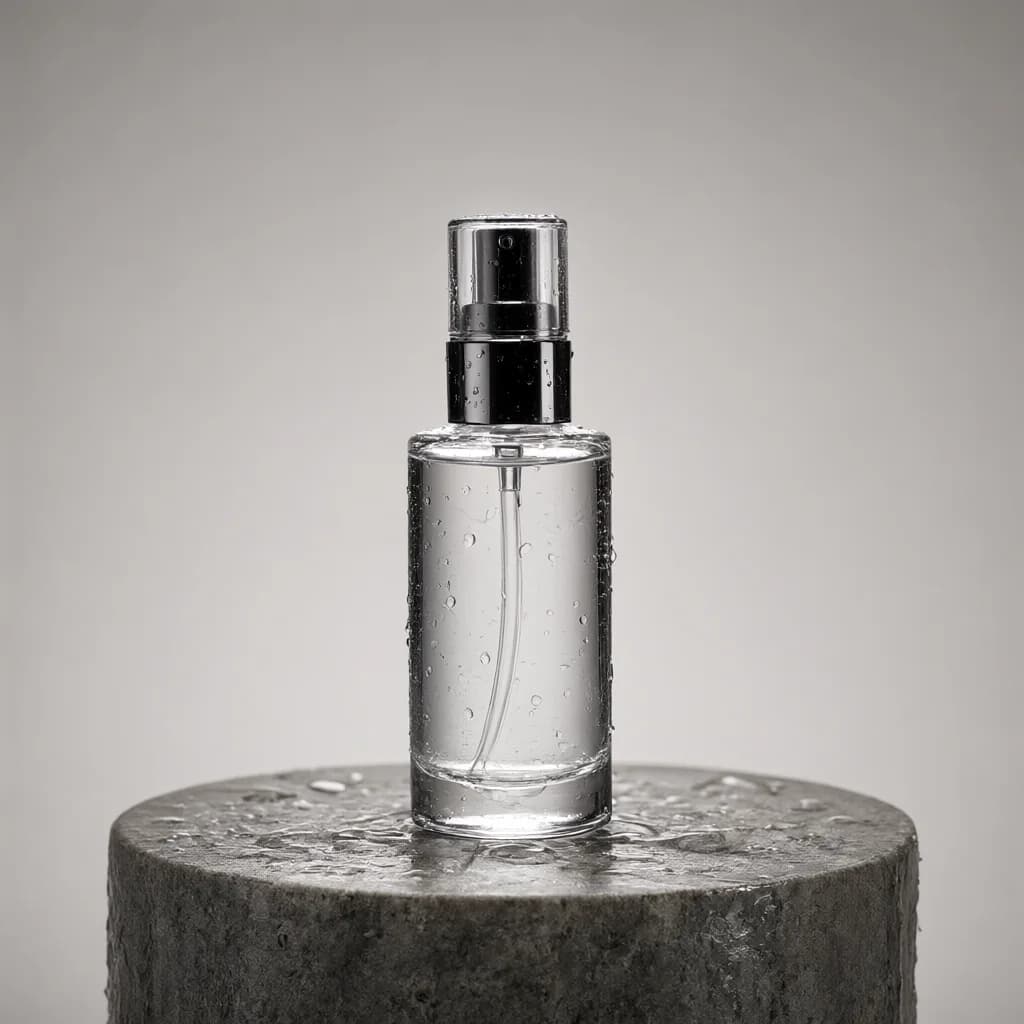
出力例スタジオ商品撮影
Commercial product photography, minimalist, photorealistic. Close-up product shot, square 1:1 frame, subject large and dominant in frame. The subject is a product, a glass skincare bottle standing on a wet stone pedestal with water droplets. Set in a professional photo studio, background seamless solid color backdrop, minimal, nearly no distracting objects. Large softbox studio lighting, diffused and even, reflections on surfaces. Shot on a full-frame DSLR, macro lens, camera eye level, deep focus, everything sharp. Centered subject, empty space at top for text. An authentic photograph, not a render or illustration. A clean frame with no text, logos or watermarks.
100語aspect_ratio: 1:1
Fluxのプロンプトを上達させるコツ。
01
完全な文章で書く
Flux は物同士の関係を理解するので、要素を並べるより、どう配置されているかを描写しましょう。
02
除外は肯定形に言い換える
「no watermark」ではなく、文字のないクリーンなフレームと描写します。よくあるケースはジェネレーターが自動で処理します。
03
カメラを具体的に
レンズ、距離、被写界深度は Flux の写真の仕上がりを大きく左右します。
04
編集には Kontext を
既存画像の編集には Flux Kontext モデルを使い、何を残して何を変えるかをはっきり伝えましょう。
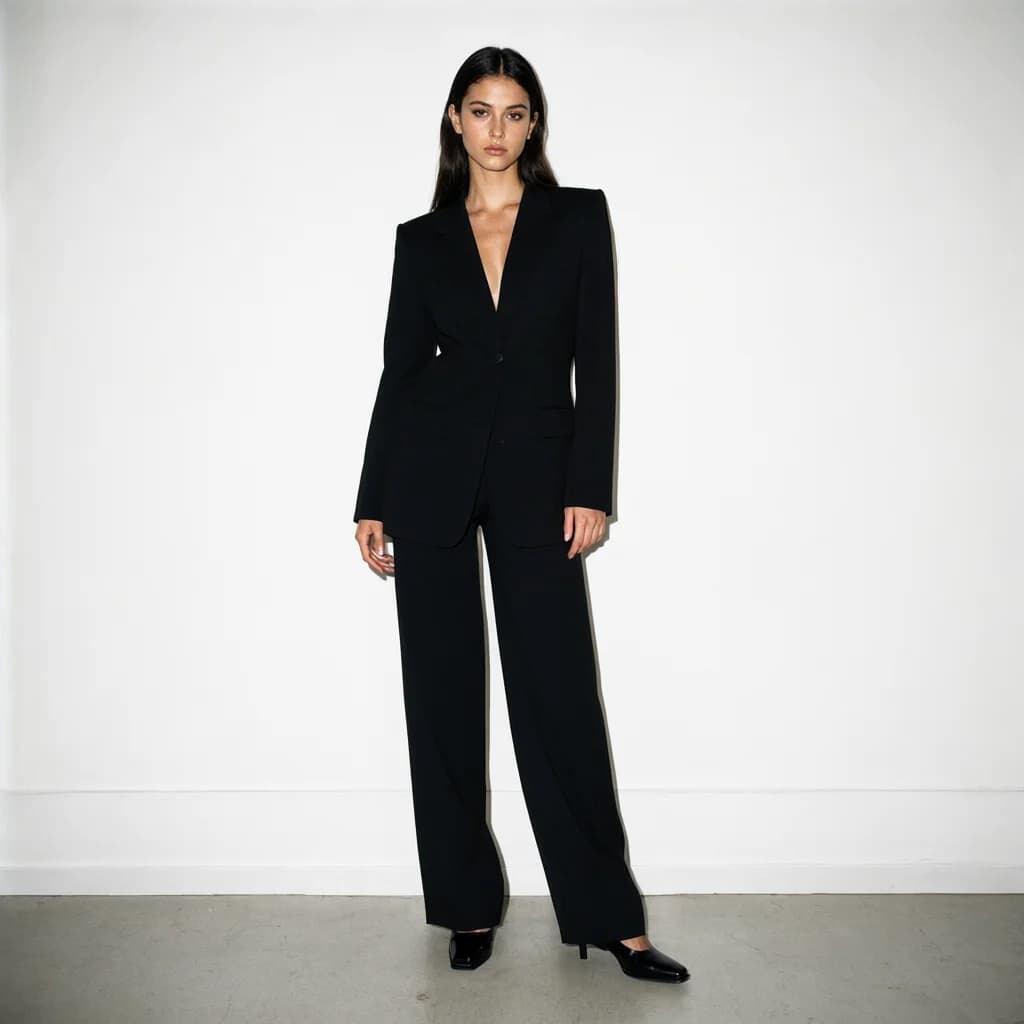
Fluxの作例。
すべての作例 →


Fluxのよくある質問。
なぜ Flux にはネガティブプロンプト欄がないのですか?+–
Flux モデルはネガティブプロンプトを使わないため、ジェネレーターは重要な除外要素を肯定的な描写の中に組み込みます。
ローカル環境の Flux でも使えますか?+–
はい。プロンプトはプレーンテキストなので、ComfyUI、Forge など、どの Flux 環境でも使えます。