動画モデル · 無料 · 登録不要
Hailuo
プロンプト生成。
MiniMax の動画モデル Hailuo は、シーンの自然な描写とあわせて、[Push in]、[Pan right]、[Tracking shot] のような角括弧のコマンドで書かれたカメラの動きを理解します。
ジェネレーターは選んだカメラワークを対応するコマンドに変換し、ショットの残りを明快な文章で書きます。除外は肯定形で表現します。
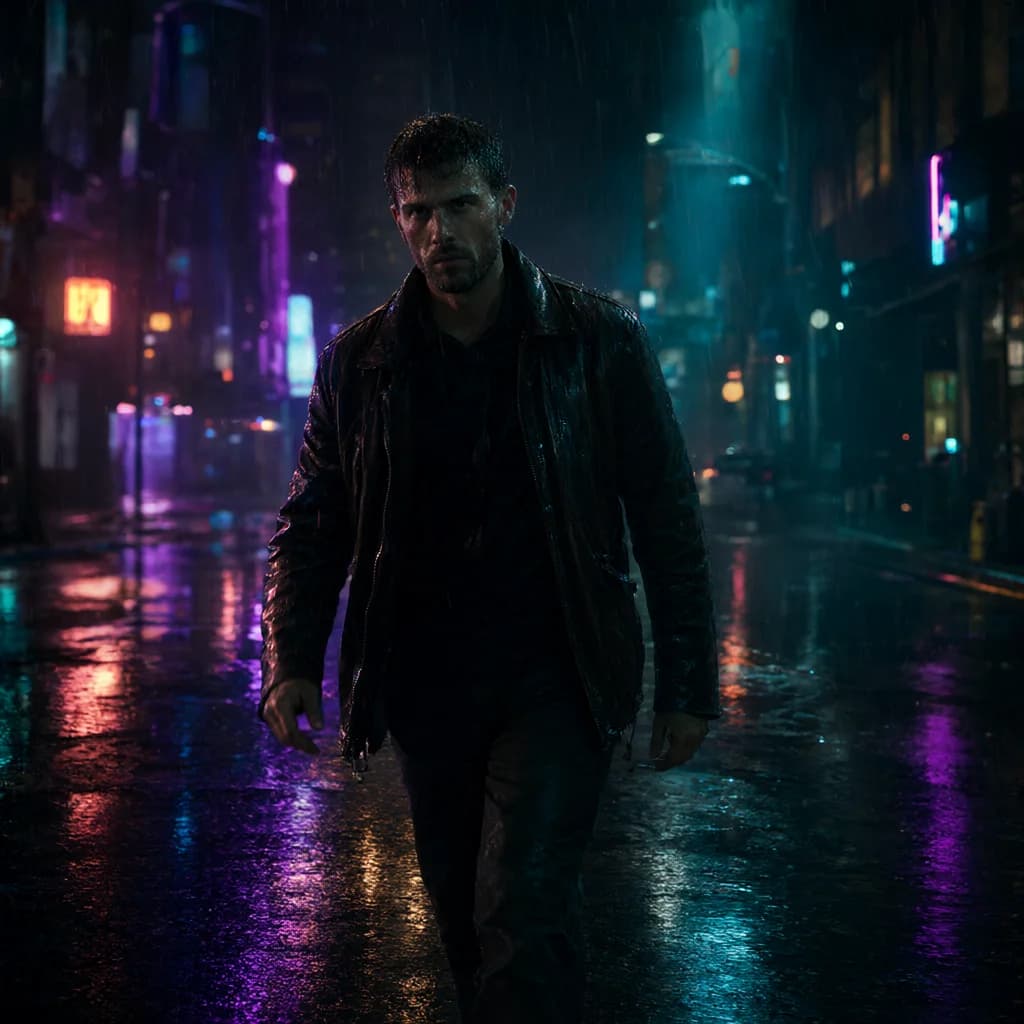
出力例ネオン街を歩く
[Tracking shot] Horizontal 16:9 cinematic video. An original fictional adult man in his 30s on a city street at night, rainy, wet reflections. He walks toward the camera through the rain, hands in his jacket pockets and water dripping from his hair, slows as a neon sign flickers beside him, then glances back over his shoulder. Throughout: natural blinking and breathing, rain falling steadily, background lights glowing and flickering softly. He wears a leather jacket outfit. Neon colored lighting, mixed warm and cool. Photorealistic, cyberpunk, teal and orange cinematic grade, teal, neon purple and black palette, natural real-time pacing. Live-action, photographic footage, not animation or CGI. Natural skin texture with visible pores. A clean frame with no text, logos or watermarks. Smooth, stable motion with consistent faces and anatomy.
129語aspect_ratio: 16:9duration: 5 seconds
Hailuoのプロンプトを上達させるコツ。
01
カメラコマンドは1つだけ
1クリップにつき角括弧の動きを1つにすると、複数を組み合わせるよりモデルが従いやすくなります。
02
動作をはっきり描写する
被写体が始まりから終わりまで何をするかを書きましょう。どう見せるかはカメラコマンドが担います。
03
独自の動きは文章に
カメラの動きを自分で入力した場合は、角括弧のコマンドではなく文章として書き出されます。
Hailuoの作例。
すべての作例 →
Hailuoのよくある質問。
どのカメラコマンドに対応していますか?+–
固定、プッシュイン、プルアウト、パン、トラッキング、シェイクなどの標準的な動きは、自動で Hailuo の角括弧構文に変換されます。
ネガティブプロンプトはありますか?+–
いいえ。そのためジェネレーターは除外要素を肯定文に言い換えます。