Video model · free · no sign-up
Sora
prompt generator.
Sora prompts read like a short shot description from a screenplay: the scene in prose, then the cinematography — shot type, camera motion, lens, lighting and mood — and finally the actions and dialogue.
The generator arranges your selections in that order, so the same settings you use for stills become a filmable brief.
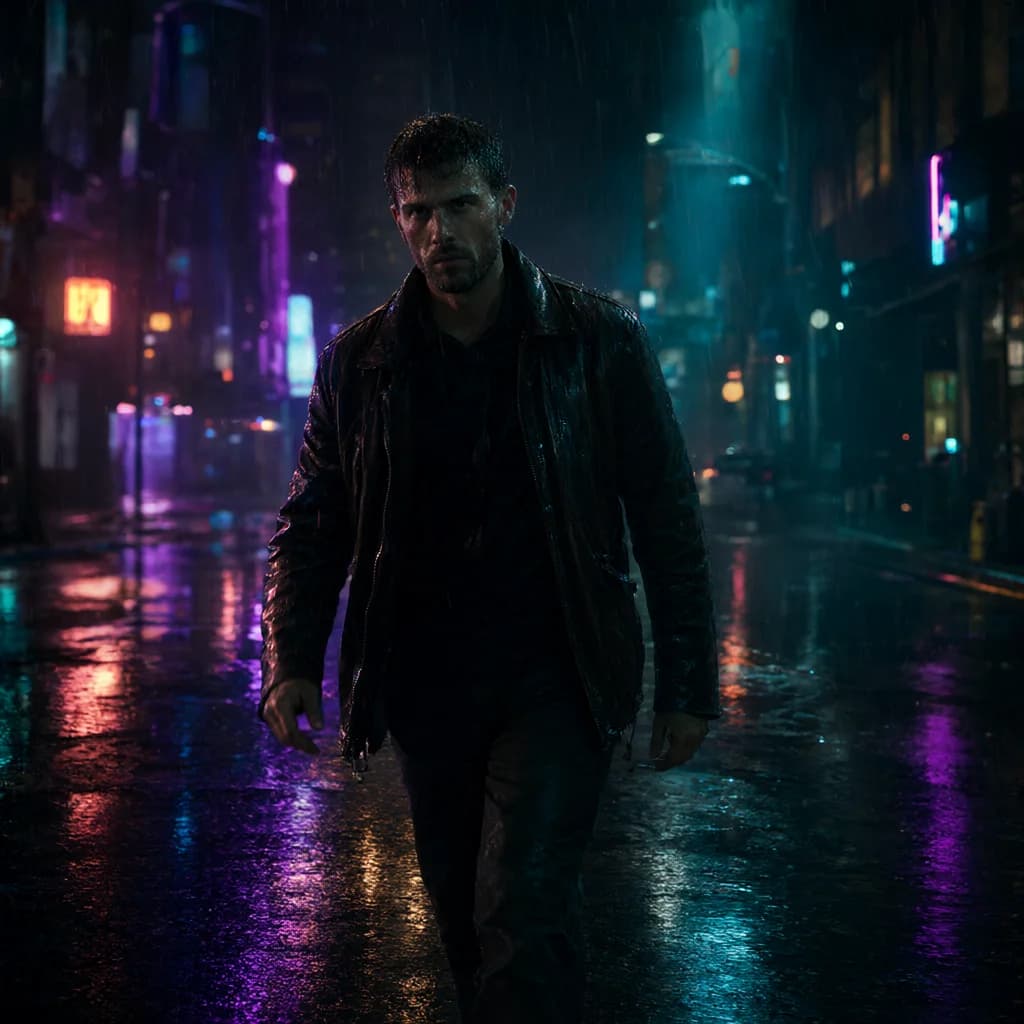
Example outputNeon street walk
Horizontal 16:9 cinematic video. An original fictional adult man in his 30s on a city street at night, rainy, wet reflections. He wears a leather jacket outfit.
Actions:
- He walks toward the camera through the rain, hands in his jacket pockets and water dripping from his hair, slows as a neon sign flickers beside him.
- Then glances back over his shoulder.
- Throughout: natural blinking and breathing, rain falling steadily, background lights glowing and flickering softly.
Cinematography:
Camera: tracking shot following the subject, waist-up medium framing, 35mm lens
Lighting: Neon colored lighting, mixed warm and cool.
Mood: mysterious, edgy
Look: Photorealistic, cyberpunk, teal and orange cinematic grade, teal, neon purple and black palette, natural real-time pacing.
Background sound: Rain on pavement, distant traffic, a low neon hum.
Avoid: CGI, 3D render, illustration, anime, plastic skin, over-smoothed face, text, captions, watermarks, logos, UI overlays, extra fingers, deformed hands, distorted anatomy, heavy studio lighting, jittery motion, morphing, frame flicker, sudden cuts, warped face.
163 wordsaspect_ratio: 16:9duration: 5 seconds
How to write better Sora prompts.
01
One shot per prompt
Describe a single continuous shot. Multiple scenes in one prompt tend to blur together.
02
Break actions into beats
Write the action as short steps; the generator turns each sentence into a bullet in the Actions block.
03
Keep the style consistent
Pick one genre and one color grade so the clip has a coherent look.
Sora examples.
All examples →
Sora FAQ.
Where do negatives go for Sora?+–
Sora has no separate negative field, so the generator appends a short “Avoid:” line at the end.
Can I set the duration?+–
Yes, choose it in Motion › Duration; it’s listed as a separate parameter.