Midjourney
prompt generator.
Midjourney rewards short, concrete phrases over long sentences. The most important ideas should come first, and settings like aspect ratio or excluded elements belong in parameters at the end of the prompt, not in the description.
VisualPrompts turns your selections into exactly that shape: a comma-separated description ordered by importance, followed by --ar for the aspect ratio, --style raw for photographic realism and a --no list built from your negatives.
How to write better Midjourney prompts.
Lead with the subject and shot
Words near the start carry more weight. Put the genre, shot size and subject first, and details such as grain or palette near the end.
Keep it under ~60 words
Midjourney gives diminishing weight to long prompts. If the generator warns you about length, clear minor fields rather than adding more adjectives.
Use --no instead of “no …” in the text
Writing “no text” in the description can actually add text. Excluded elements belong in the --no parameter, which the generator fills from your negatives.
Add --style raw for photos
Raw mode reduces Midjourney’s default stylization, which helps photorealistic portraits and product shots look like real photographs.
References go in --oref or --sref
To keep a character or a look from an image, attach it with Omni Reference (--oref) or a style reference (--sref) instead of describing identity changes in words.
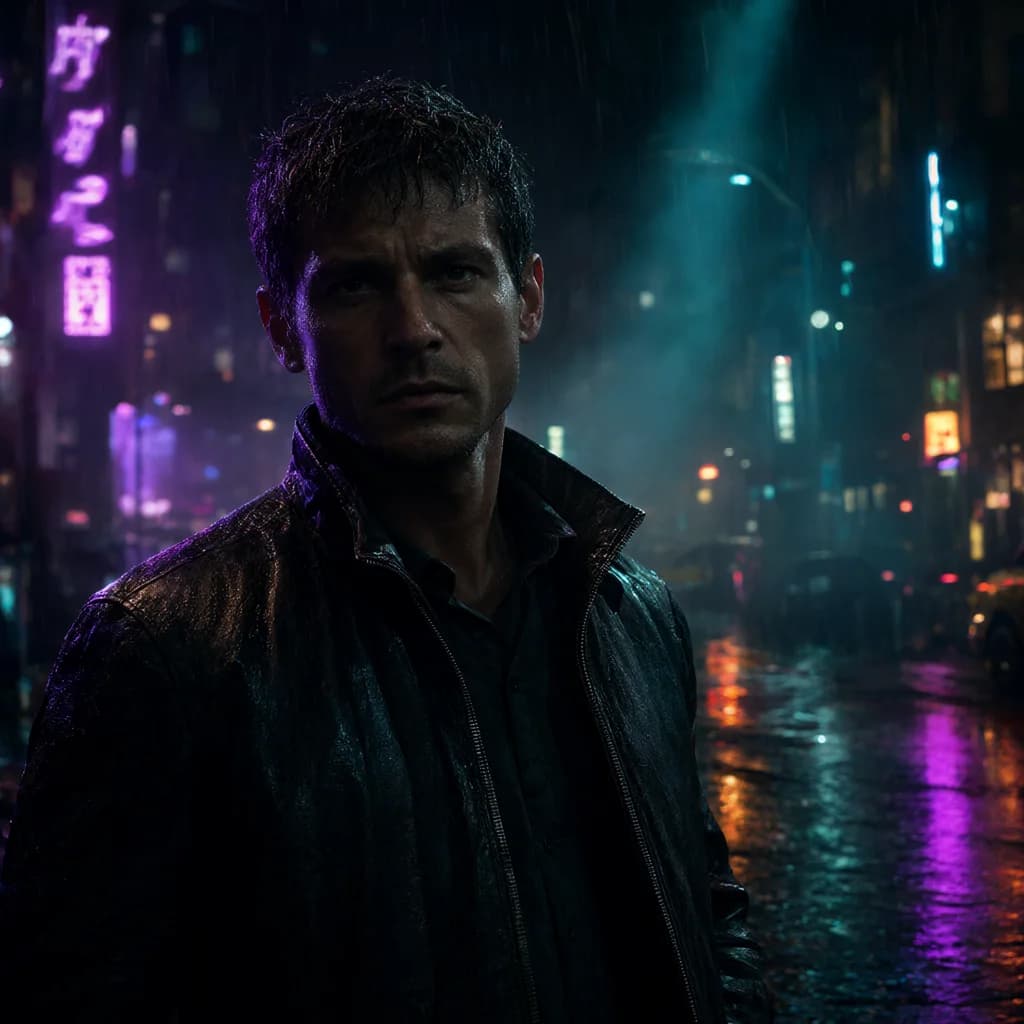
Midjourney examples.
All examples →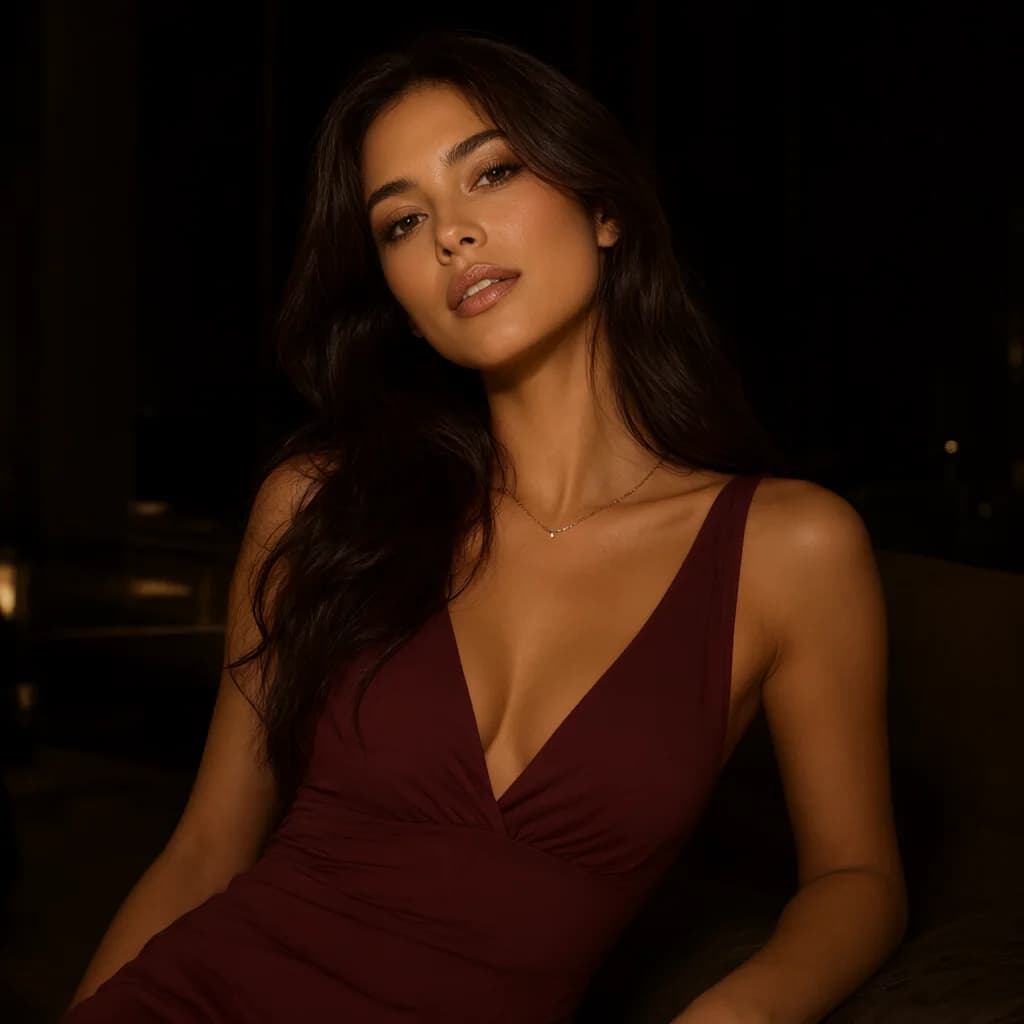
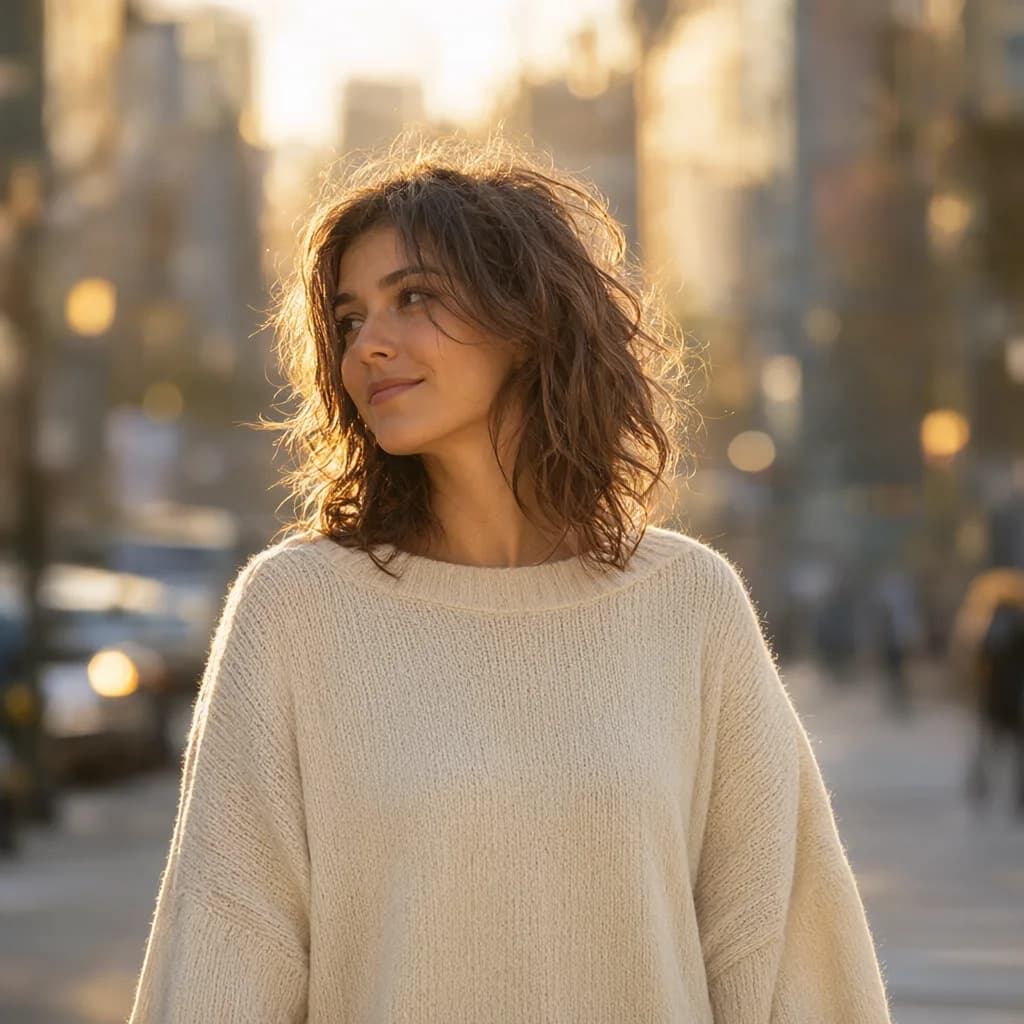
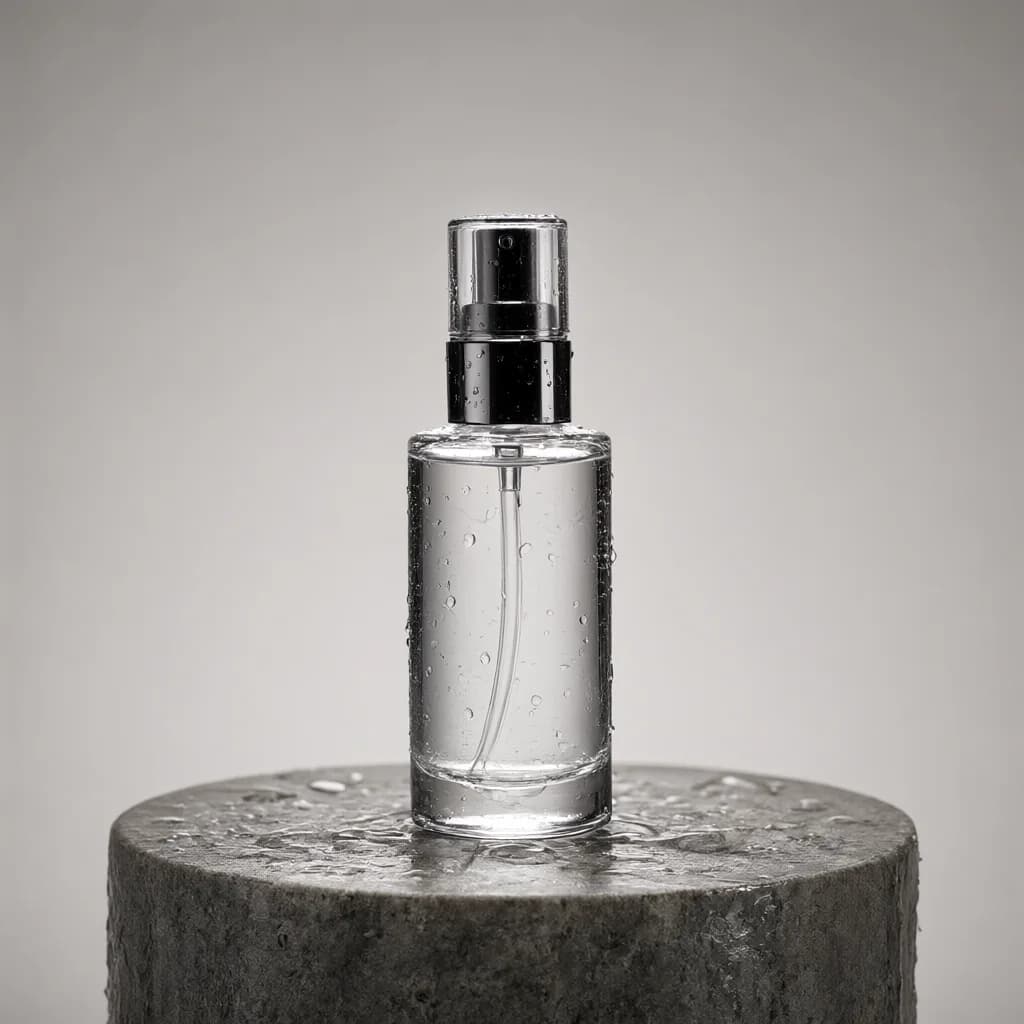
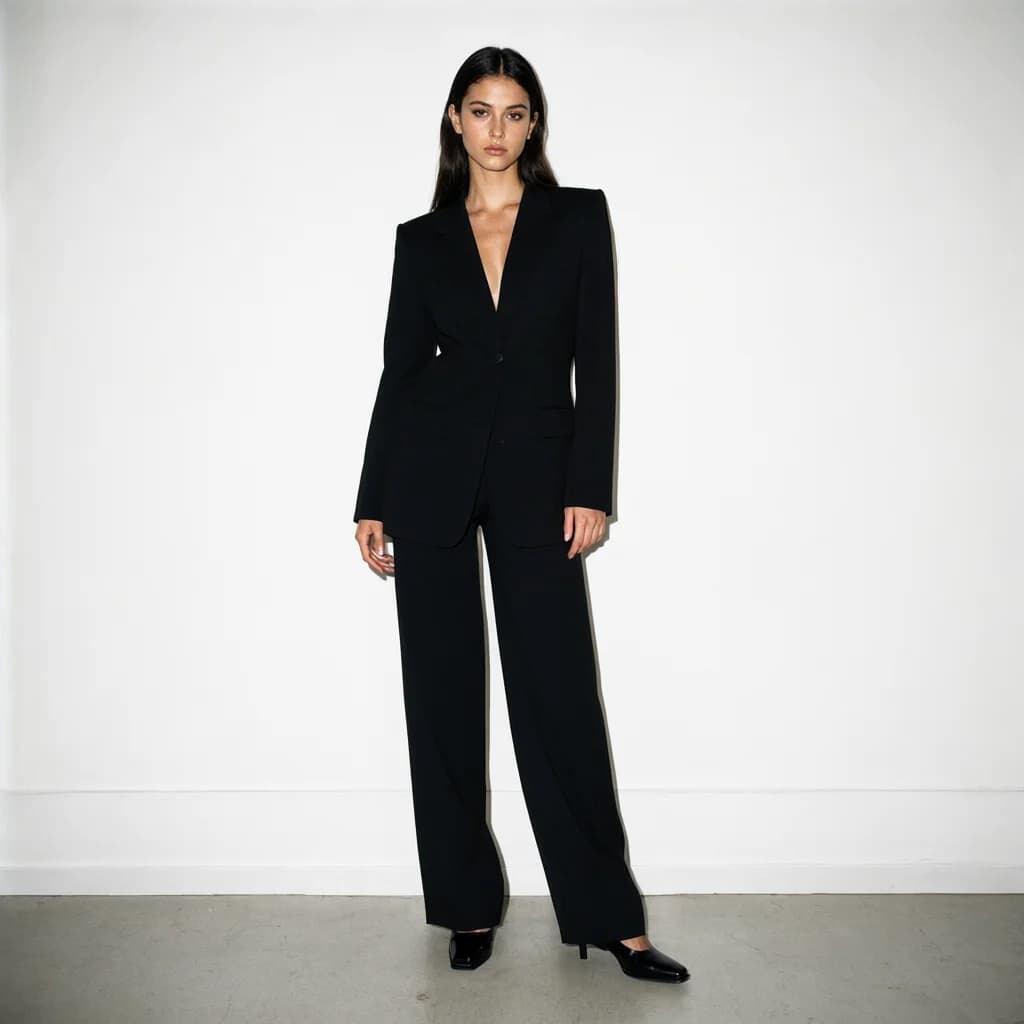
Midjourney FAQ.
Is this Midjourney prompt generator free?+–
Yes. Everything that builds the prompt runs in your browser, with no account and no limits.
Which Midjourney version does it target?+–
The output adds --v 7 by default. You can edit or remove the parameter after copying if you use another version.
Can I use the same settings for other models?+–
Yes. Switch the target model at the top of the builder and the same selections are re-formatted for ChatGPT, Flux, Veo and the others.