Video model · free · no sign-up
Seedance
prompt generator.
Seedance, ByteDance’s video model, handles prompts best when the subject and the action come first, followed by the scene, the camera and the style.
The generator writes that structure from your selections, one element per line, so it’s easy to adjust a single part without rewriting the whole prompt.
Example outputProduct reveal clip
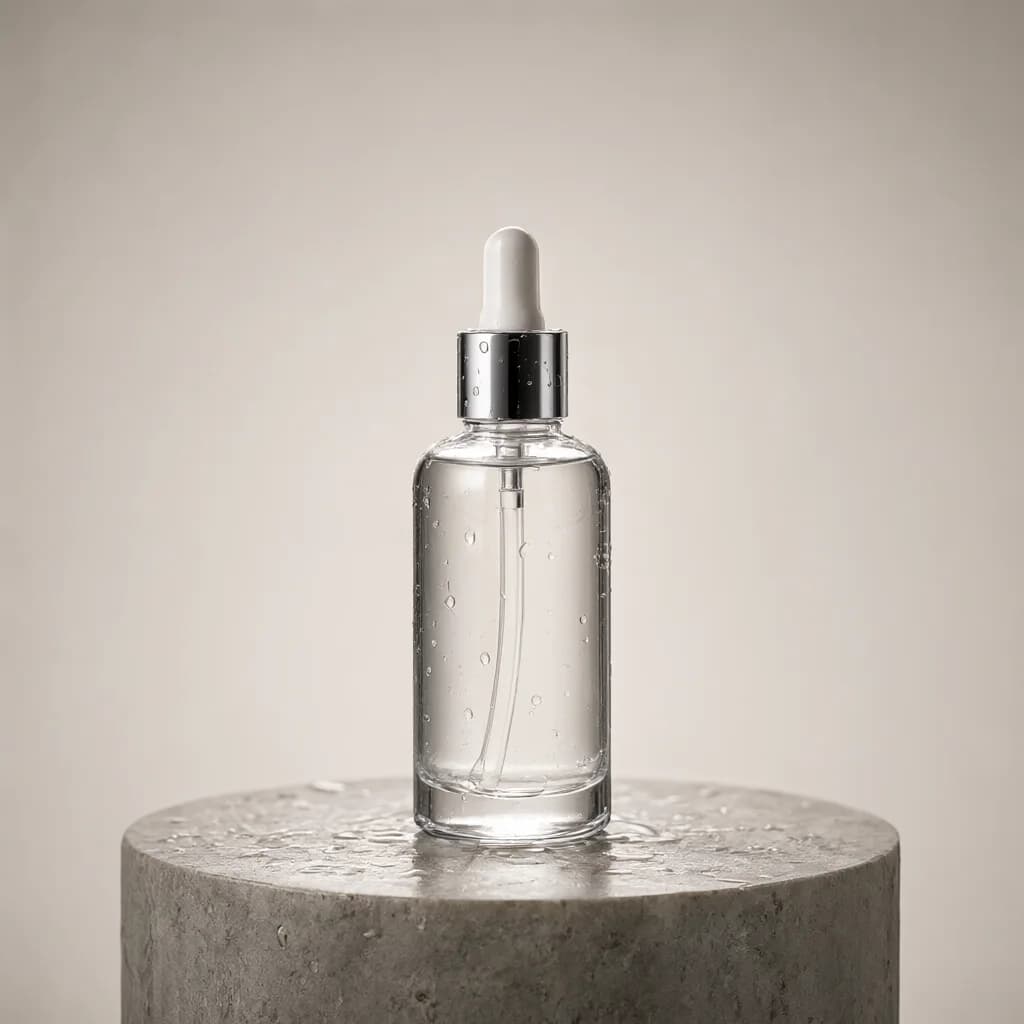
A glass skincare bottle standing on a wet stone pedestal with water droplets, in a professional photo studio. The bottle stays still while the camera glides around it, a soft highlight sweeps across the glass, a single droplet slides down the side, then the bottle settles front-facing in the center.
Camera: slow orbit around the subject, close-up product framing, macro lens.
Lighting: Large softbox studio lighting, seamless solid color backdrop.
Style: Horizontal 16:9 commercial product video. Photorealistic, minimalist, shallow depth of field, slow and calm pacing. Live-action, photographic footage, not animation or CGI. A clean frame with no text, logos or watermarks. Smooth, stable motion with consistent faces and anatomy.
110 wordsaspect_ratio: 16:9duration: 5 seconds
How to write better Seedance prompts.
01
Lead with who and what
State the subject and the action in the first line; everything else supports it.
02
Be explicit about the camera
Name the movement, shot size and angle so the framing stays consistent.
03
Keep the style line short
A genre, a realism level and a color grade are usually enough.
Seedance examples.
All examples →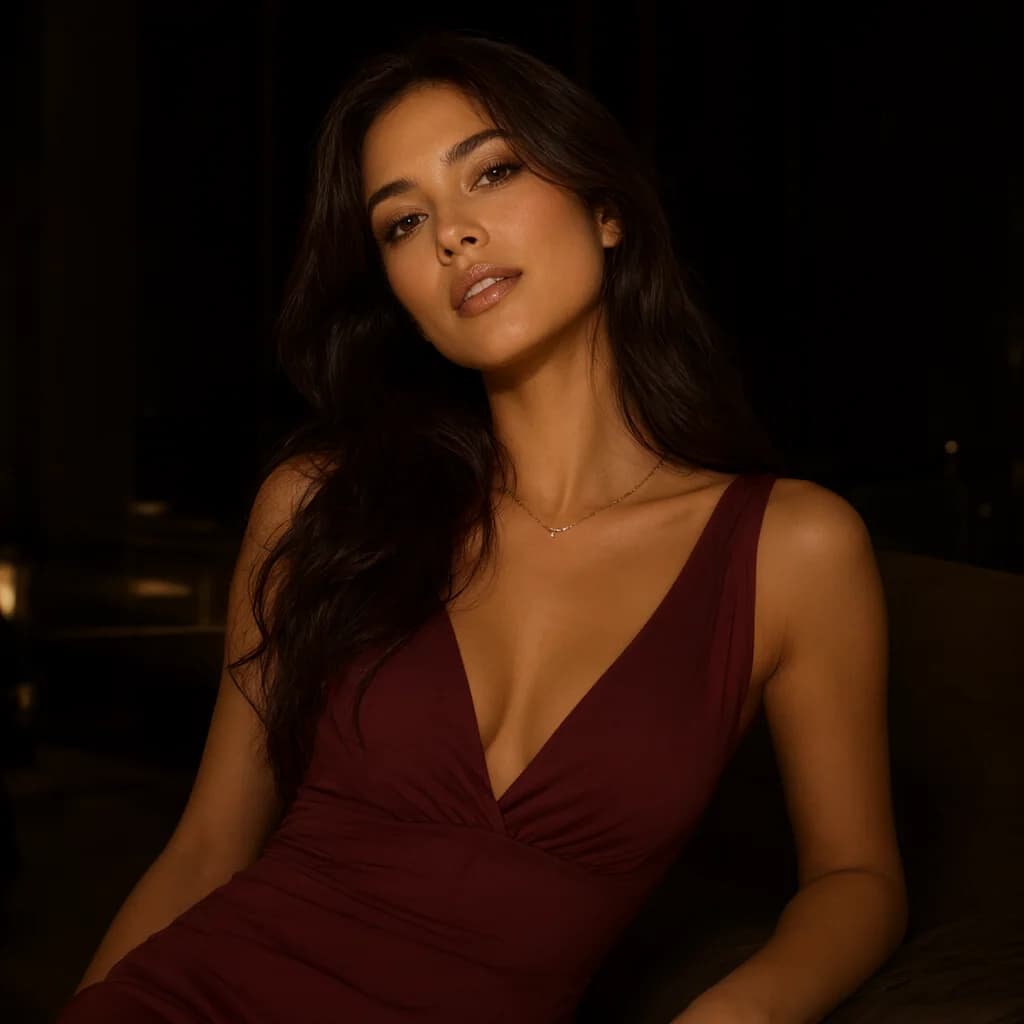
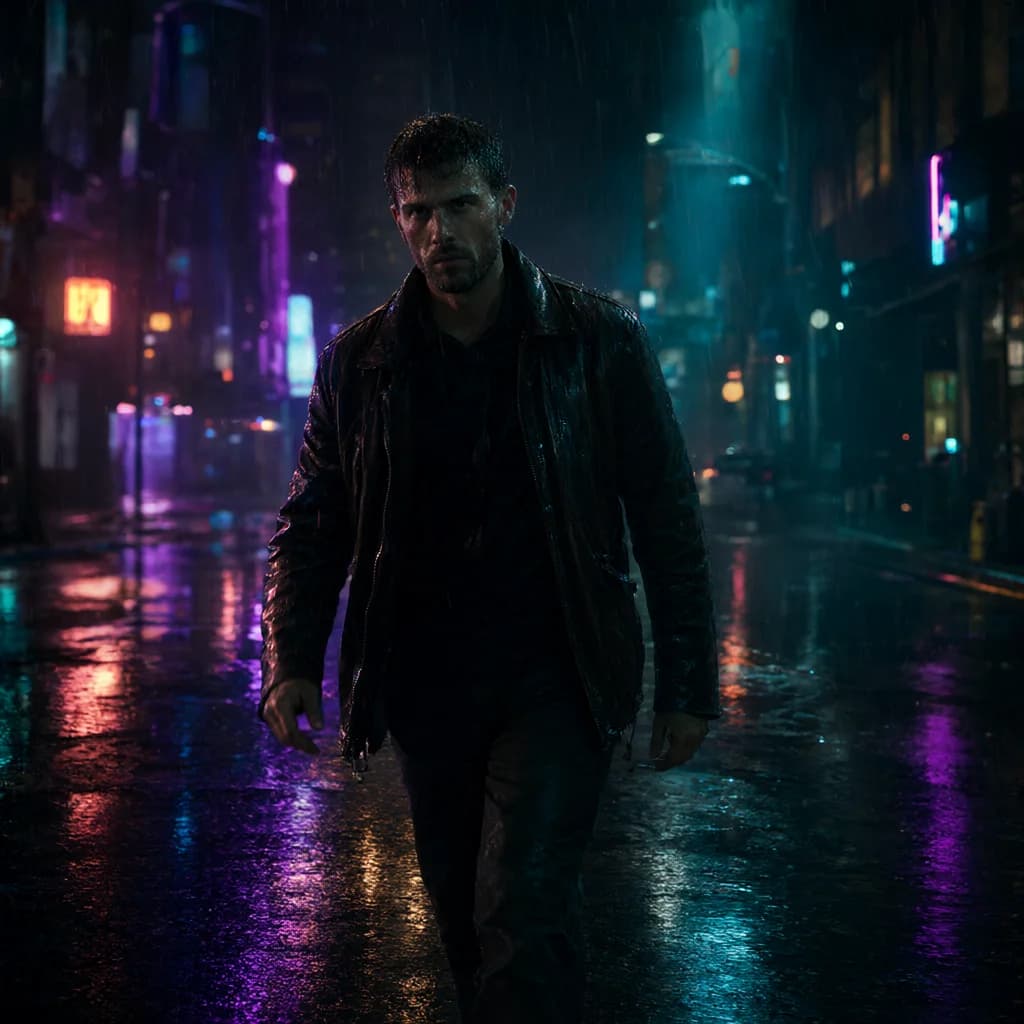
Seedance FAQ.
Does Seedance use a negative prompt?+–
The generator doesn’t rely on one; common exclusions are phrased positively inside the prompt instead.
Can I use it for multi-shot videos?+–
Build one shot at a time and copy each prompt; that keeps every shot precise.