Qwen-Image
prompt generator.
Qwen-Image handles long, detailed natural-language prompts and supports a separate negative prompt, which makes it easy to steer away from unwanted artifacts.
The generator writes a subject-first description followed by scene and lighting, and outputs your negatives as their own field.
How to write better Qwen-Image prompts.
Order: subject → scene → light
Describing the subject first, then the setting, then lighting and camera keeps the result coherent.
Use the negative field
Add realism-related negatives such as “plastic skin” or “CGI” for photographic results; the generator suggests them automatically.
Edits need Qwen-Image-Edit
For changing an existing photo, use the edit model and describe only the change you want.
Qwen-Image examples.
All examples →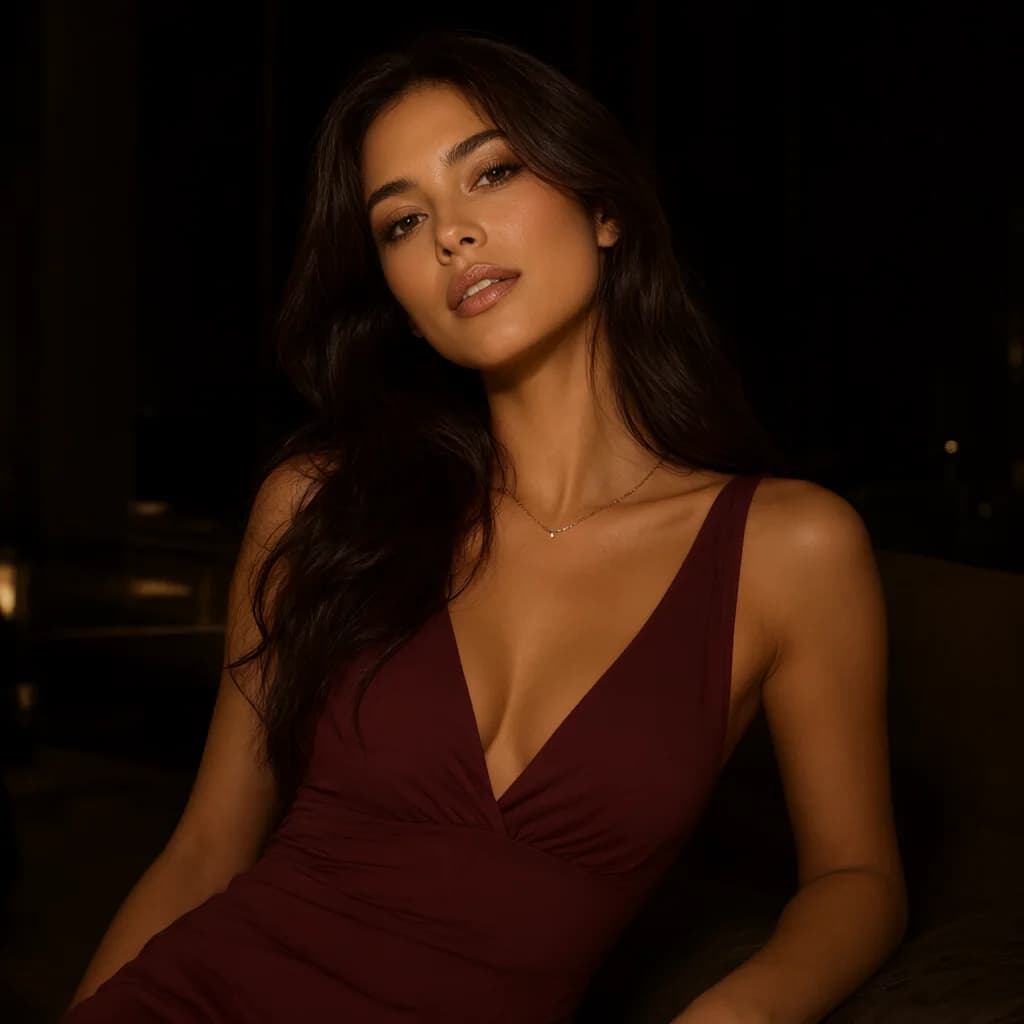

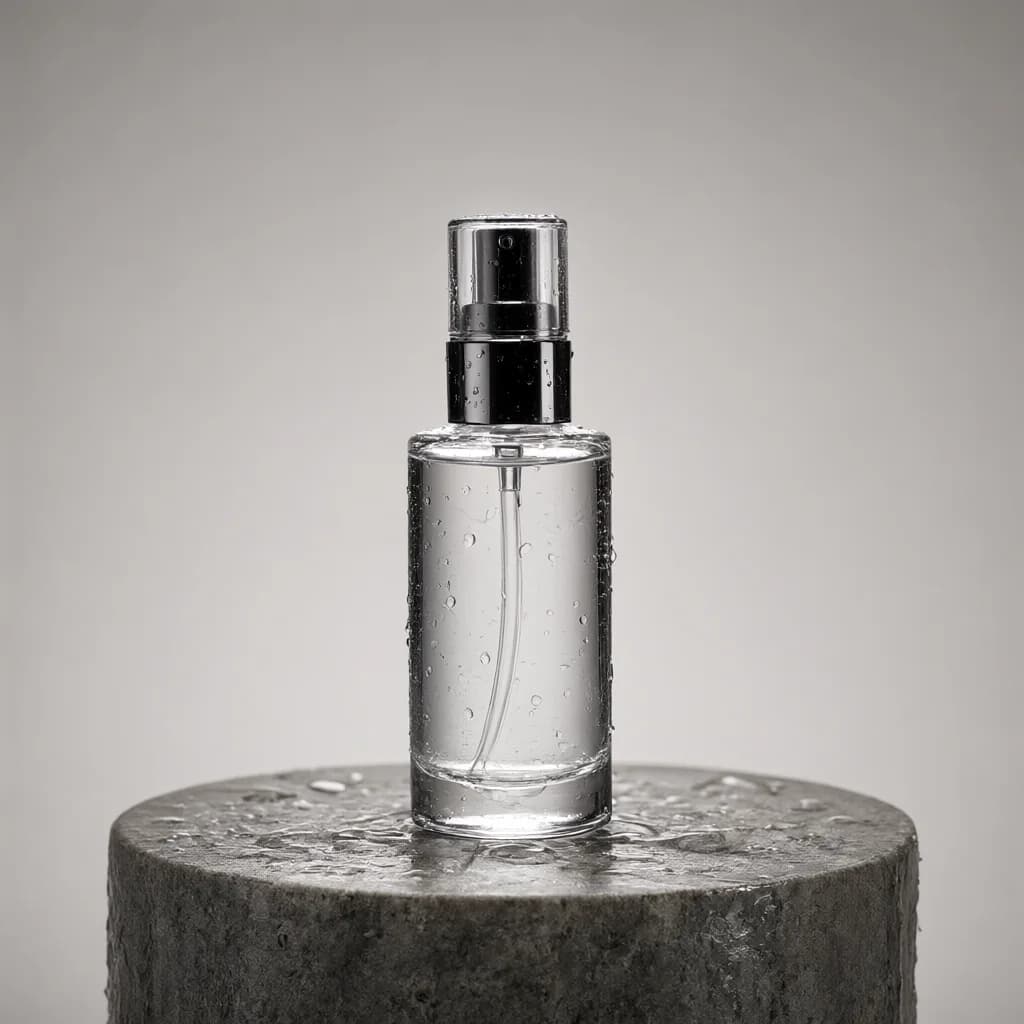
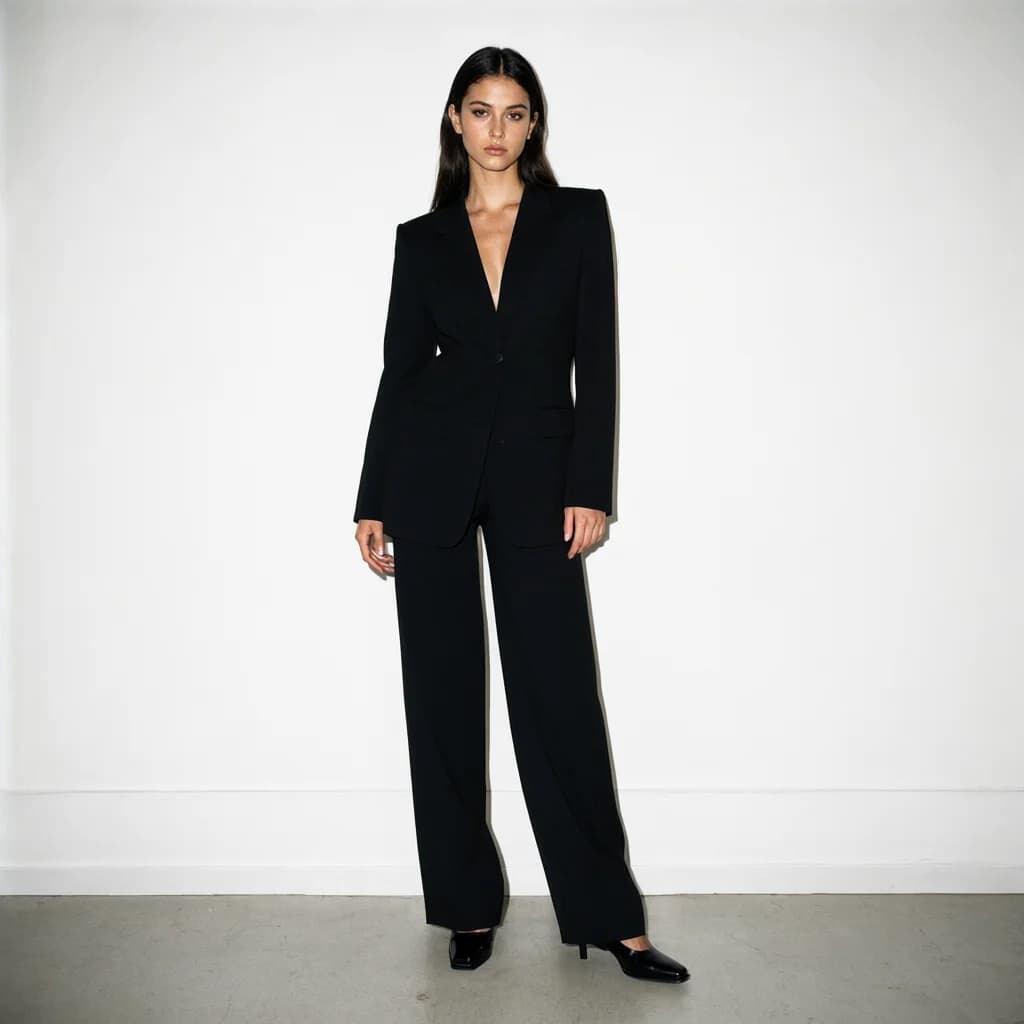
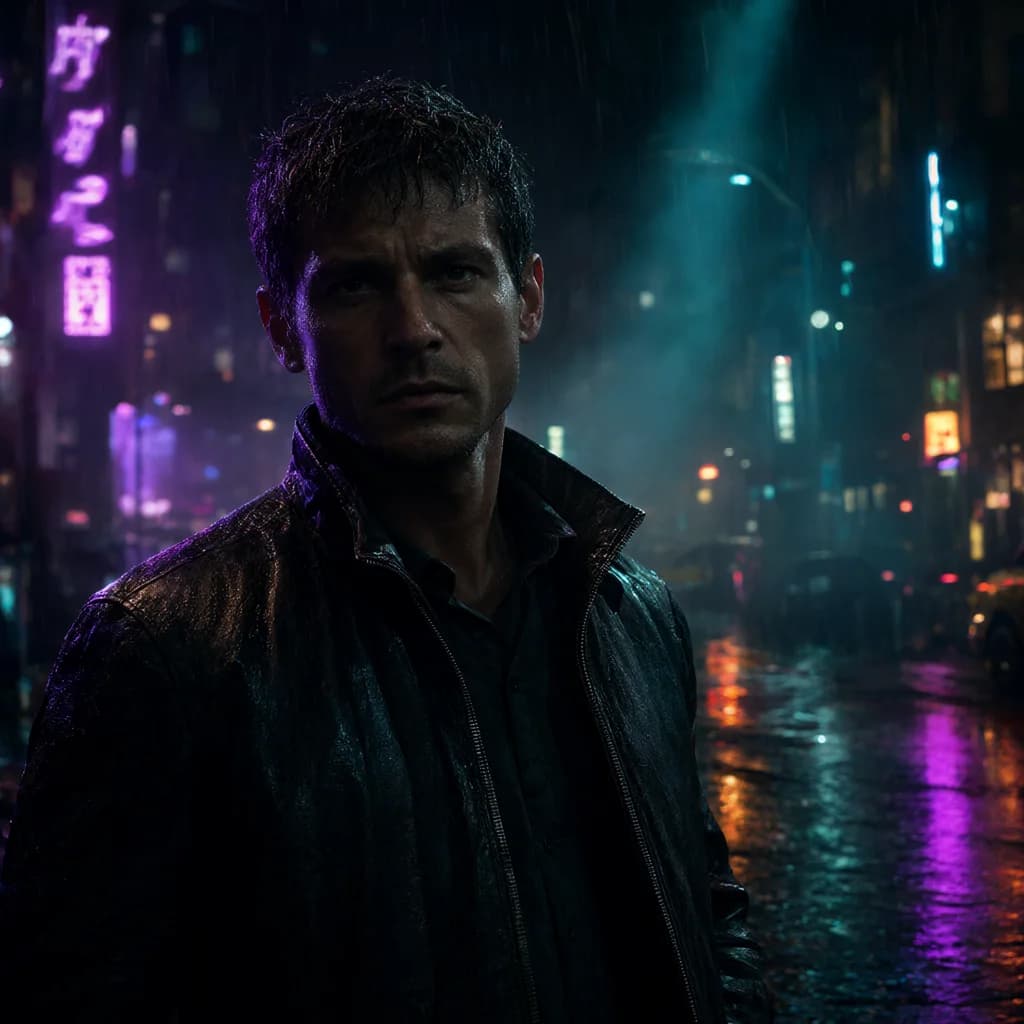
Qwen-Image FAQ.
Can Qwen-Image render text in images?+–
Qwen-Image is known for strong text rendering. Add the exact text in the notes field and describe where it should appear.
JSON or text for Qwen?+–
Plain text is the default; you can switch to JSON in the builder if your workflow prefers it.