Video model · free · no sign-up
Kling
prompt generator.
Kling works best with compact prompts that focus on the subject and its motion, followed by the scene, camera language and lighting.
The generator writes that short form from your selections and keeps negatives in a separate field, the way Kling’s interface expects them.
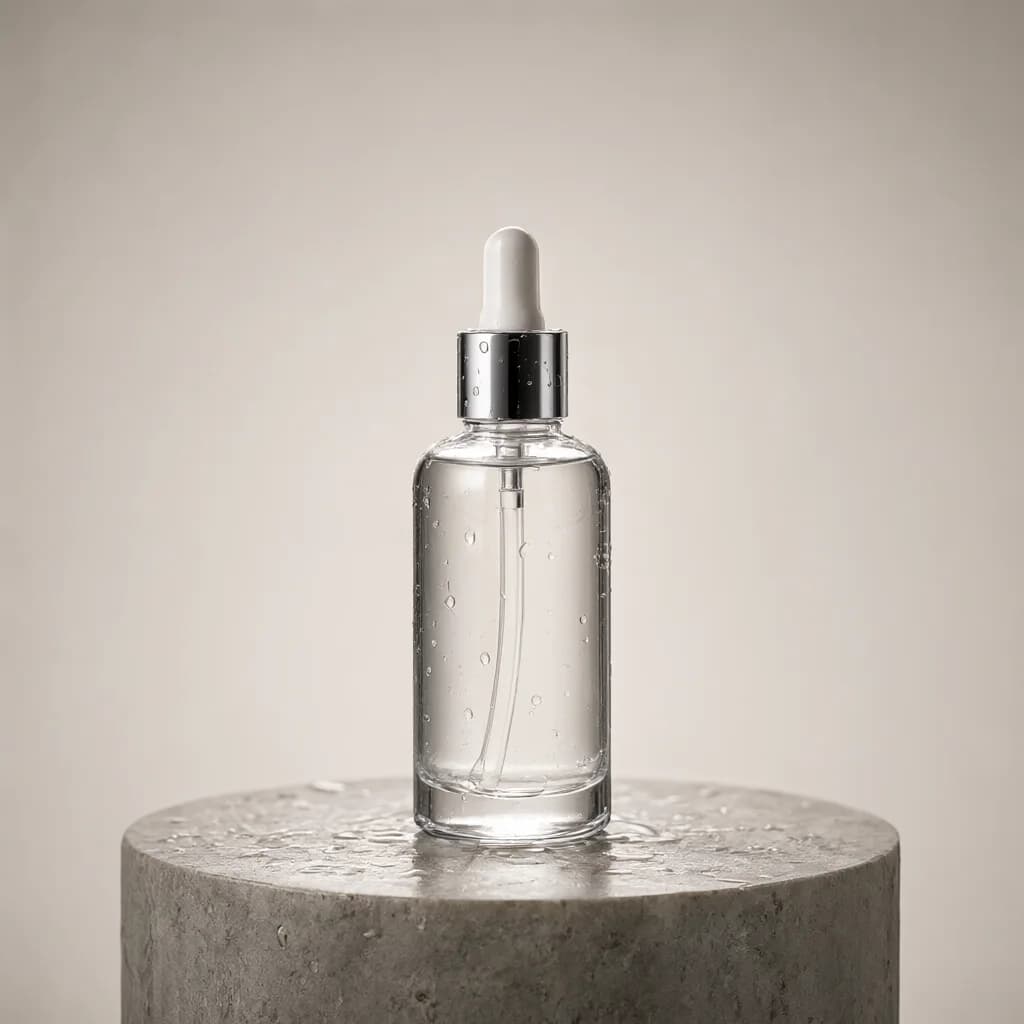
Example outputProduct reveal clip
Horizontal 16:9 commercial product video. A glass skincare bottle standing on a wet stone pedestal with water droplets, in a professional photo studio. The bottle stays still while the camera glides around it, a soft highlight sweeps across the glass, a single droplet slides down the side, then the bottle settles front-facing in the center. Camera: slow orbit around the subject, close-up product framing, macro lens. Large softbox studio lighting, seamless solid color backdrop. Photorealistic, minimalist, shallow depth of field, slow and calm pacing.
84 wordsaspect_ratio: 16:9duration: 5 seconds+ negative prompt
How to write better Kling prompts.
01
Subject + motion first
Start with who is in the shot and what they do; details about the setting come after.
02
Use camera language
Terms like slow push-in or tracking shot are understood well and make the motion intentional.
03
Keep it short
Long descriptions don’t help much; prioritize the few details that define the shot.
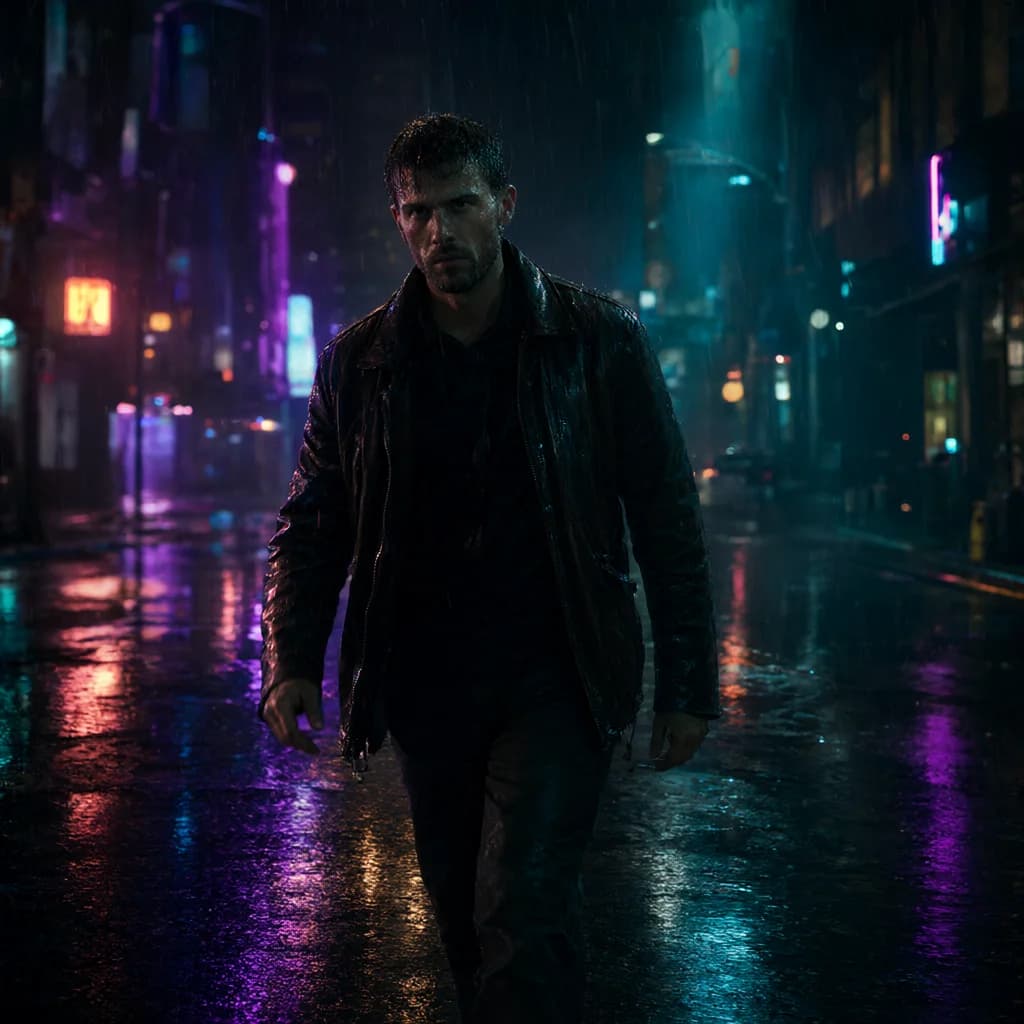
Kling examples.
All examples →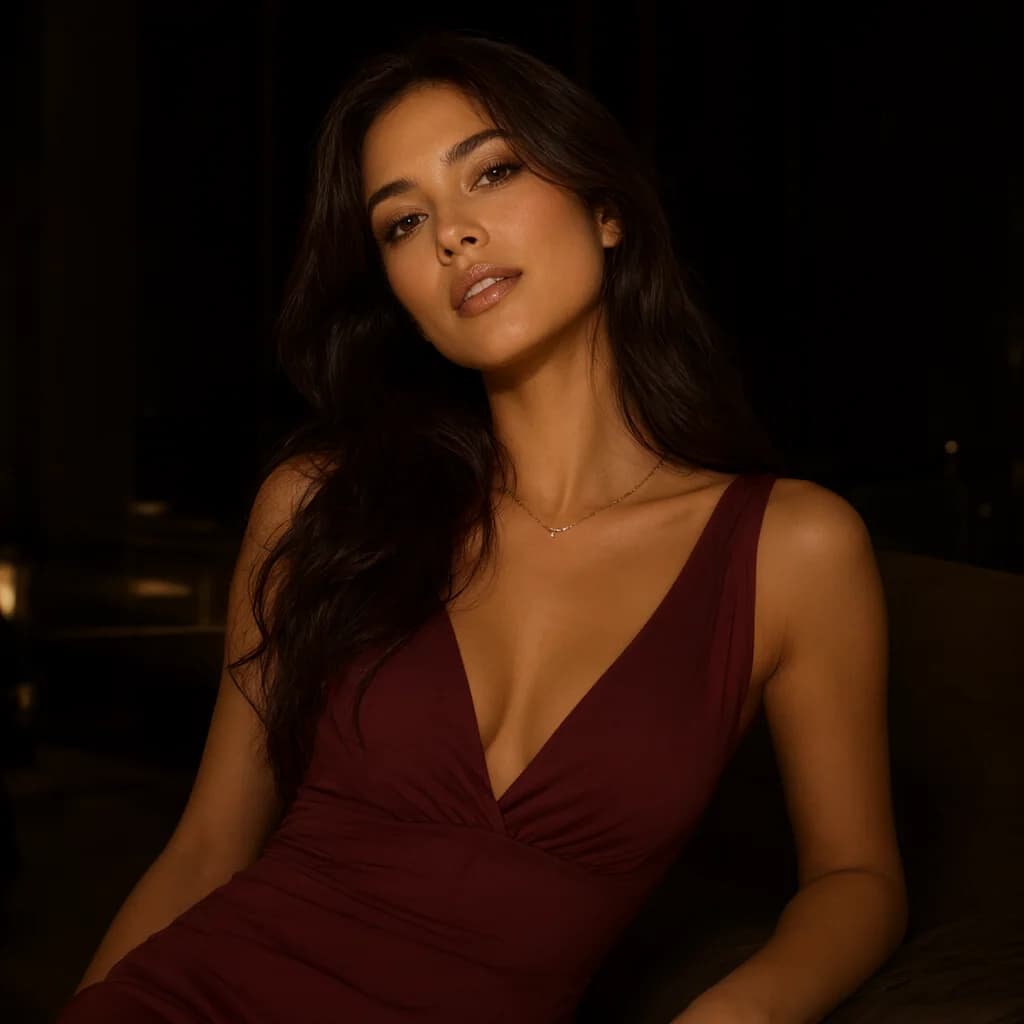
Kling FAQ.
Does Kling support negative prompts?+–
Yes. The generator outputs them as a separate field for you to paste.
Image-to-video?+–
Generate the still with an image model first, then use the same settings with Kling and describe the motion.