Video model · free · no sign-up
Wan
prompt generator.
Wan, Alibaba’s open video model, follows long, detailed descriptions: the subject, the scene, the motion and the visual look — lighting, shot size, angle and color.
It also supports a negative prompt, so the generator outputs your exclusions as their own field, including motion artifacts like flickering or warped faces.
Example outputNight selfie clip
Horizontal 16:9 nighttime glamour selfie video. An original fictional adult woman in her mid-20s sits in a dark upscale evening interior at night. She has very long deep chocolate brown hair, smooth glossy blowout with loose waves, warm medium tan skin, warm brown eyes, glossy nude-rose lips. She wears a rich wine red deep plunging sleeveless evening dress and a delicate short tennis-chain necklace. She slowly tilts her head so her hair falls over one shoulder, brushes a strand behind her ear, then looks straight into the lens with a confident, faint smile. Throughout: natural blinking and breathing, her hair shifting gently with each movement. Camera: phone held at arm's length, slight natural sway, tight upper-body framing, slightly low. Low-key warm ambient lighting, key light from front-left and slightly below, approximately 2500-3200K warm amber, near-black background. Extreme photorealism, luxury social-media portrait, deep burgundy, warm tan and dark chocolate brown palette, sharpest on eyes and face, slow and calm pacing.
159 wordsaspect_ratio: 16:9duration: 5 seconds+ negative prompt
How to write better Wan prompts.
01
Be detailed
Wan uses the extra information; describe the look as carefully as the action.
02
Use the negative field
Motion artifacts and realism issues are best handled in the negative prompt.
03
Works locally too
The prompt is plain text, so it works in ComfyUI or any other Wan interface.
Wan examples.
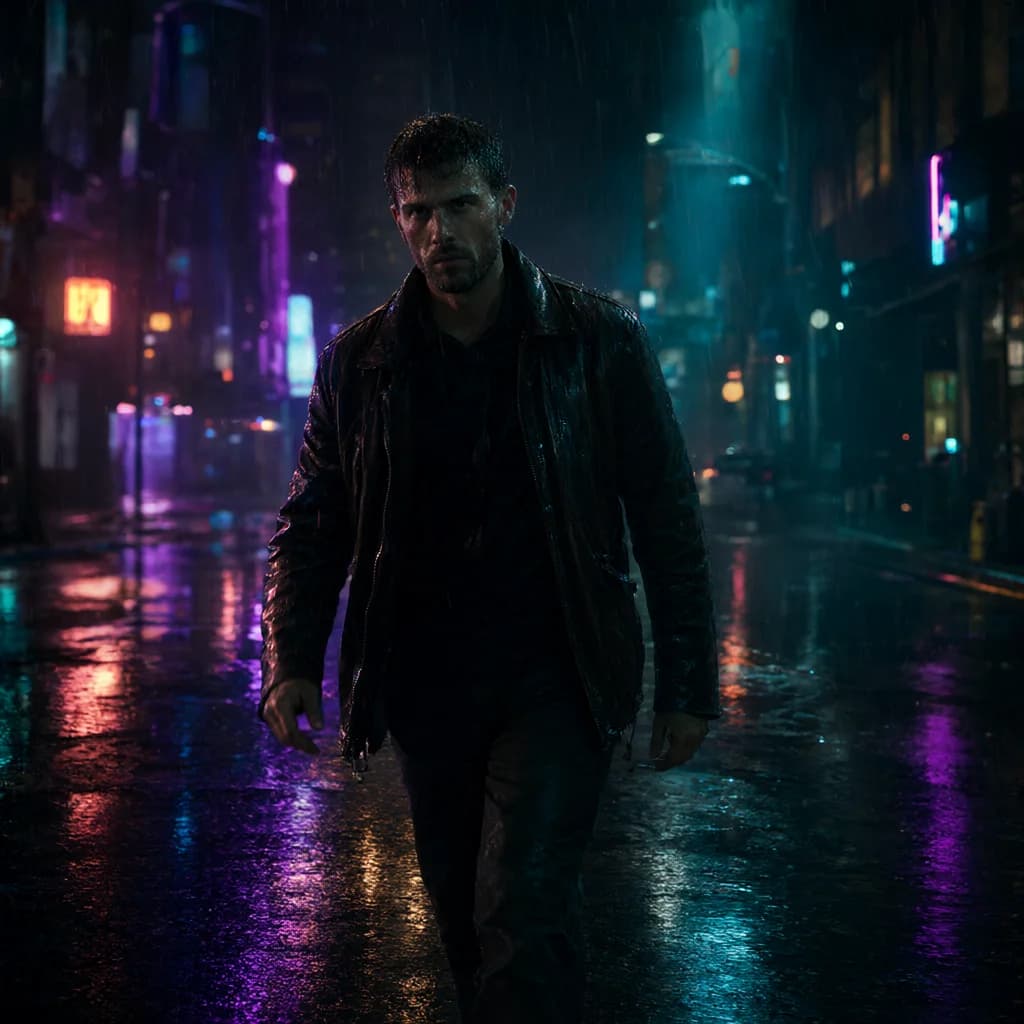
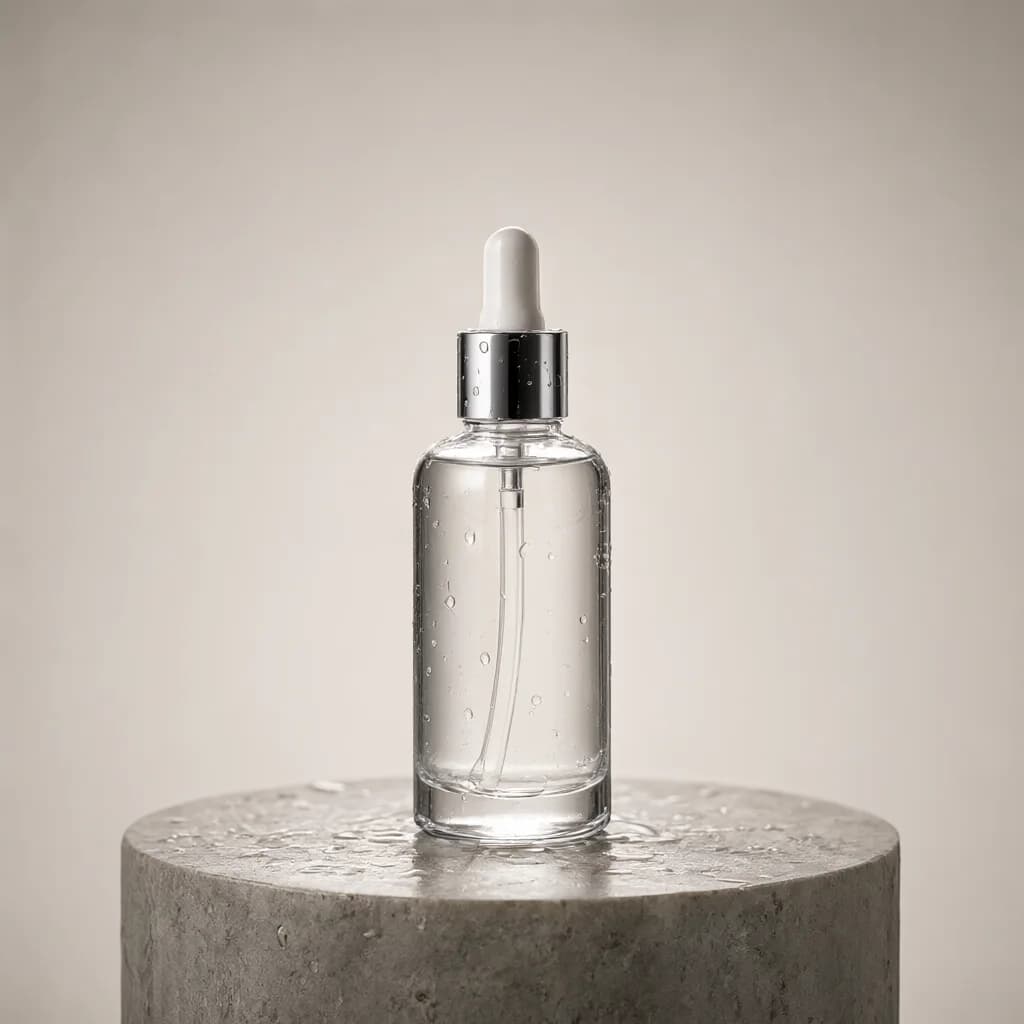
All examples →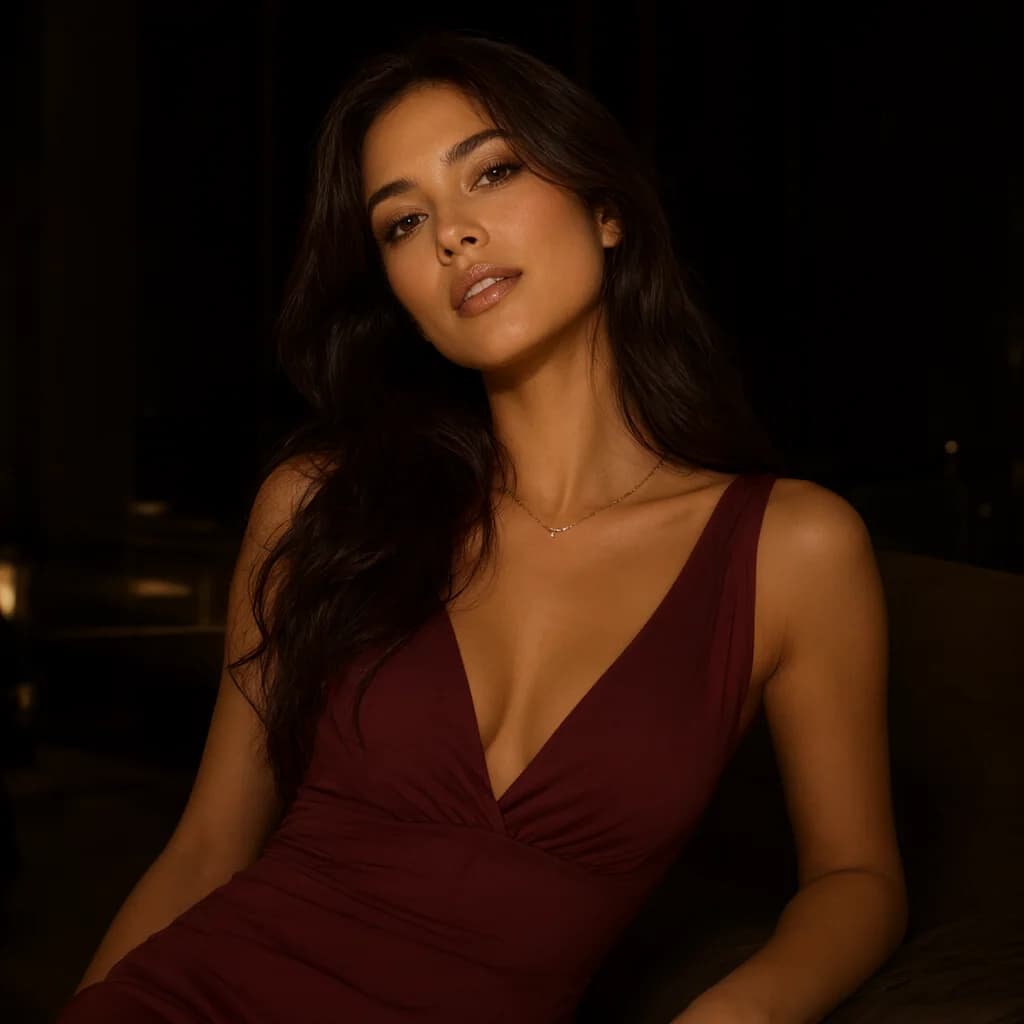
Wan FAQ.
Does this work with local Wan setups?+–
Yes. Paste the prompt and the negative prompt into your workflow as-is.
Which aspect ratio and duration?+–
Set them in the Framing and Motion sections; they’re listed as separate parameters.